 Open to work
Rick Groot
- Role
- Connected TV developer
- Off-duty
- Trumpet
Rick Groot
I build TV apps, Chromecast receivers and video players that run well on constrained hardware. I'm open to new work.
- Status
- Open to work
- Role
- Connected TV developer
- Off-duty
- Trumpet
Track record
- NLZIET2022–2026
- Chromecast receivers2023–2026
- VAMPsince 2026
- Sleeve2026
- KIJK2022–2025
- NOS2023–2025
- Streamz & VTM GO2022–2024
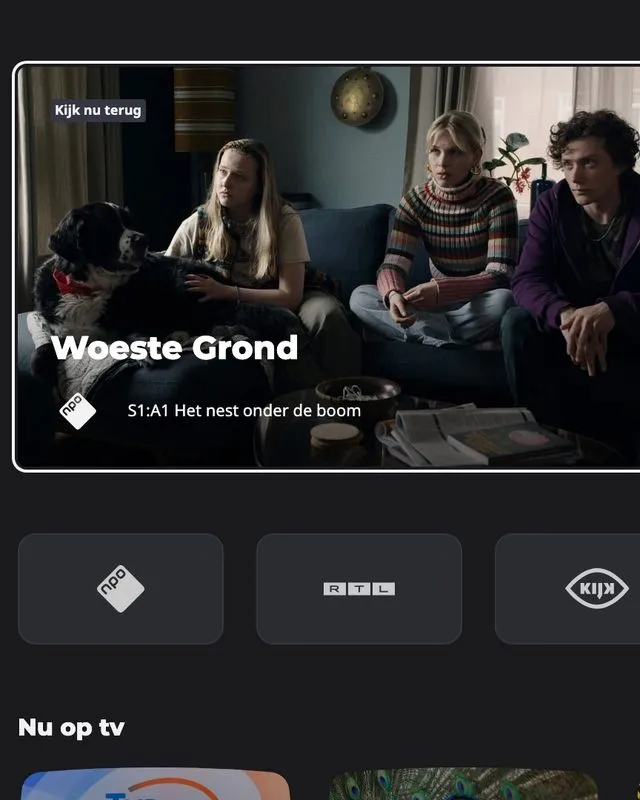
NLZIET
NLZIET
Side A · highlights
- Chapters
- An improved search
- The Bitmovin player
- Conviva analytics
- Smooth across Smart TVs
Side B · stack
- Framework
- Svelte
- Language
- TypeScript
- Player
- Bitmovin
- Analytics
- Conviva
Chromecast receivers
Receivers and a TypeScript boilerplate
Chromecast receivers
I built custom Chromecast receivers for several projects, and a TypeScript boilerplate that keeps them quick to build and consistent.
Up next
- Custom receivers for several projects
- A shared TypeScript boilerplate
- Media playback and Cast SDK integration
- Error handling built in
- Faster development, less repetitive code
Connected TV
The TV is still the center. It's no longer the whole experience.
The living room now runs on more than one screen, and the product has to follow the viewer between them.
The TV is still the center. It's no longer the whole experience.
In short
- Let each screen do its best job. Browse and sign in on the phone, watch on the TV.
- The cast button is the easy part to show. Who owns the session after it is the real work.
- Plan the whole journey rather than one app per platform, and add a second screen only where it helps.
VAMP
Solo project
VAMP
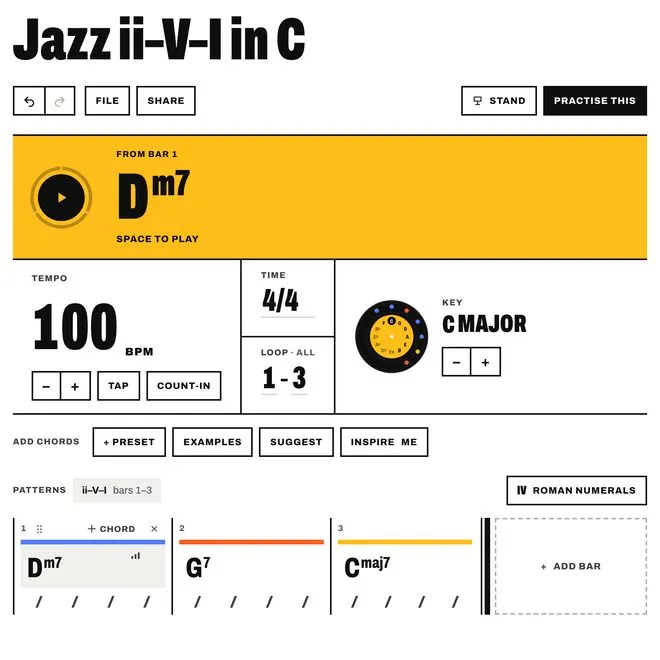
I play trumpet, and wanted to sketch a chord progression, loop it and play over it. VAMP runs in the browser: no account, no backend.
Highlights
- A pitch switch for transposing instruments
- Trade-solos mode drops the backing out
- A drone generator for practising modes
- Share URL that holds the progression
- Framework
- SvelteKit
- Audio
- Tone.js
- Notation
- VexFlow
- Storage
- IndexedDB
Personal project, not production software.
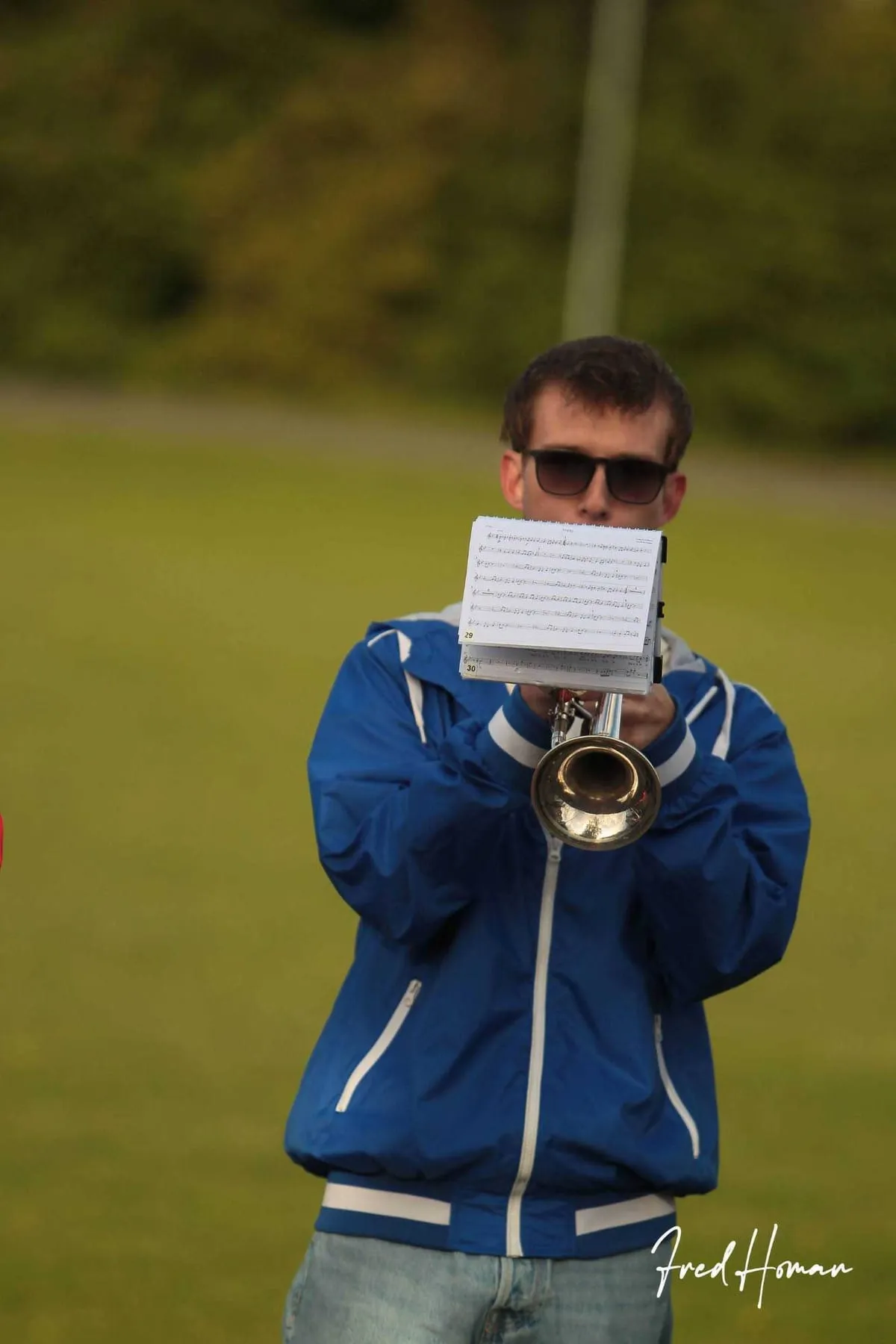
Me, on trumpet
Trumpet
- Photo: Fred Homan.
- I play trumpet. VAMP is what I built to practise over.
Sleeve
Solo project
Sleeve
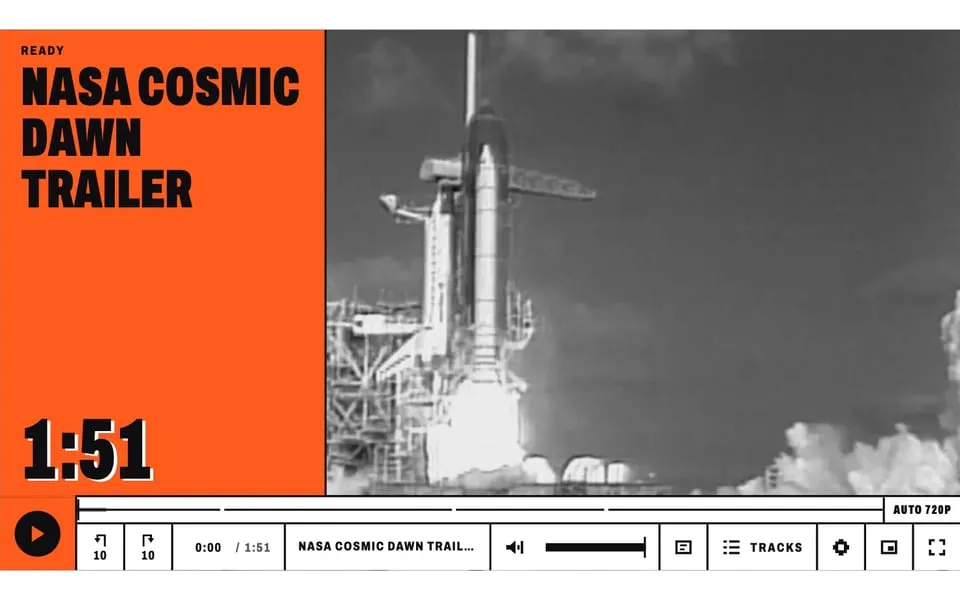
My Video.js skin prints the player on the video, like a record cover.
Highlights
- A colour field that sizes to the player state
- An audio look for media without a picture
- Plays HLS, DASH, live, YouTube and Vimeo
Casting
What Makes a Cast Session Feel Seamless?
Not speed but continuity. The phone and the TV should agree on what is playing, every moment.
What Makes a Cast Session Feel Seamless?
In short
- Give playback one clear owner, so the phone and the receiver never disagree.
- Controls should show what is really playing, not what the phone last assumed.
- Viewers lock phones, switch networks and seek straight away. Recovery has to stay calm.
KIJK
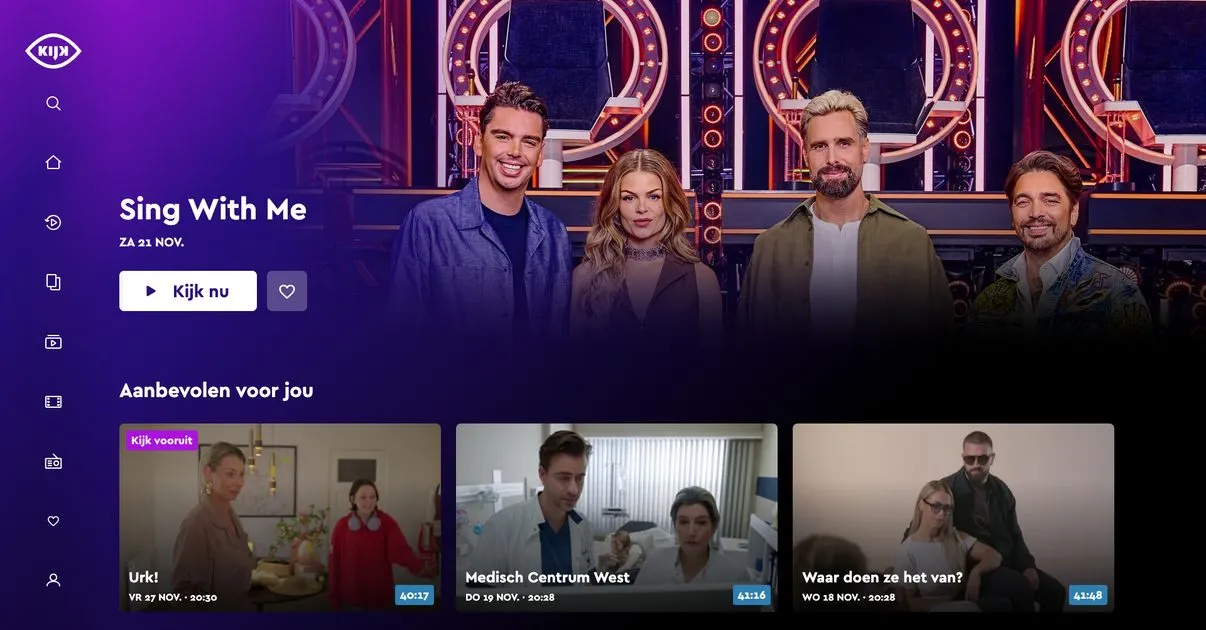
KIJK
Side A · highlights
- Video playback with THEOplayer
- Playback of DRM-protected content
- Advertisement integrations
Side B · stack
- Framework
- Svelte
- Language
- TypeScript
- Player
- THEOplayer

Prague, 10·26
Prague
- Taken in Prague.
- October 2026.
- Sat on this wall for a while.
Connected TV
Why TV Apps Are Not Just Web Apps on a Bigger Screen
A remote with a handful of buttons changes more than the layout. It changes how the app is built.
Why TV Apps Are Not Just Web Apps on a Bigger Screen
In short
- On a TV, focus is the interface. Every control is one more stop on the way through.
- Viewers sit across the room, so the bigger screen ends up showing less.
- Reuse the components and the brand, but not the assumptions that came with the web.
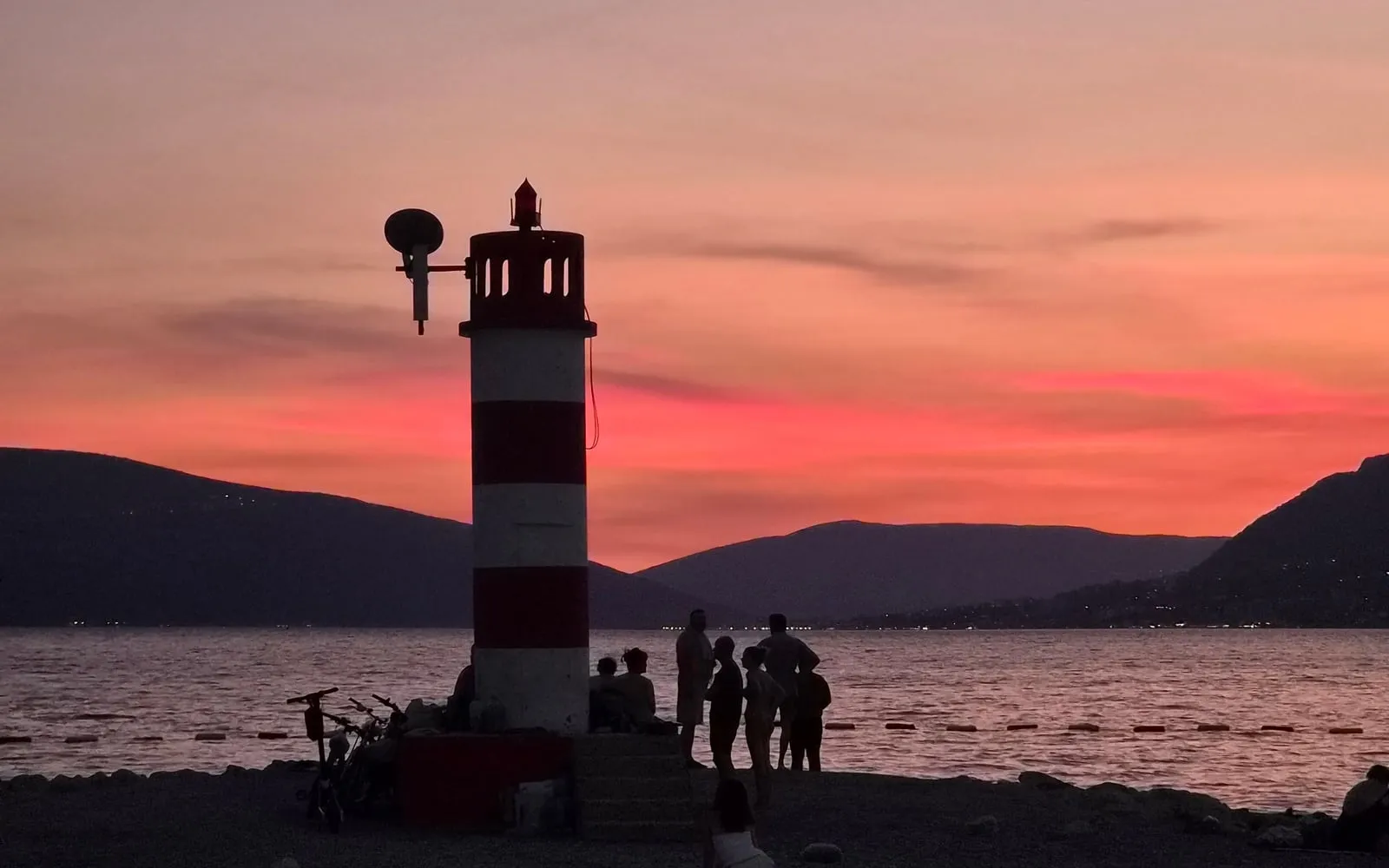
Lighthouse
- Where
- Montenegro
NOS
TV app front-end
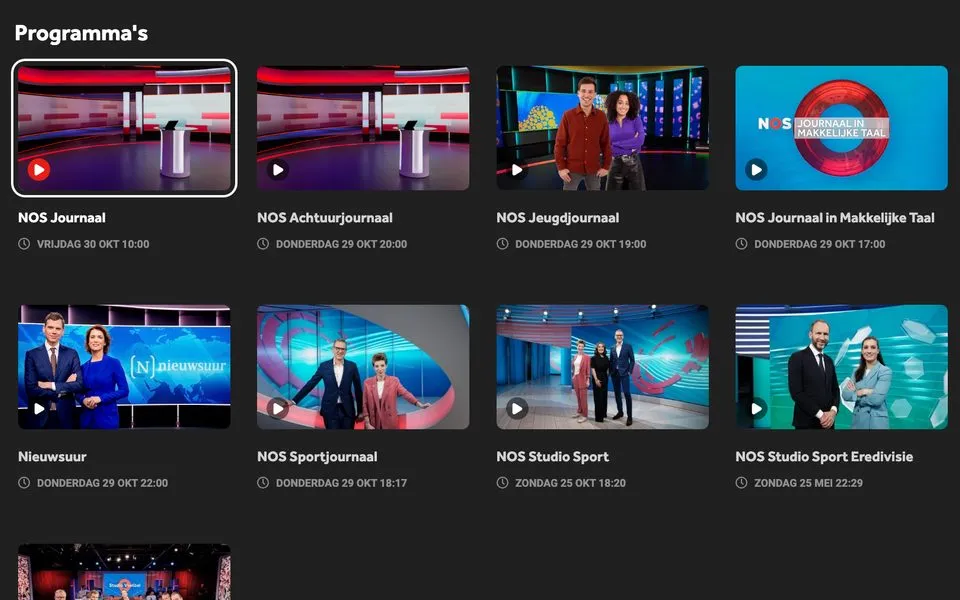
NOS
I built the interface of the Smart TV app of the Dutch broadcaster NOS.
Highlights
- The auto-playing header of the app
- Chapters in video playback
- A maintainable Svelte UI for the remote
- Live and on-demand playback, THEOplayer
Streamz & VTM GO
Streamz & VTM GO
Side A · highlights
- A white-label Smart TV app
- One monorepo serving Streamz and VTM GO
- From browsing to playback on the remote
Side B · topics
- Smart TV
- Monorepo
- Video streaming
How I work
How I work
01 AI drafts, I decide
I work AI-first. An agent is quick, and it can be wrong in ways that look fine: a test that passes because it checks nothing, or the obvious approach where the awkward one was needed. So I let it draft the code and the tests, then I read the diff, run it and choose the approach myself. I merge nothing I could not explain to a colleague.
02 Connected is only the start
A phone and a TV that connect make a good demo. The work is in what happens next: the phone locks, the network drops, the TV app restarts mid-episode. I decide early which state has to survive that and sync only that, and I would rather drop a second-screen feature than ship one that cannot. Then I test on the oldest TV I can get.
03 I write the checks down once
A designer knows what accessible looks like, and QA knows what broke last time. If that stays in their heads it is lost at handover, and an agent never learns it at all. So I turn it into rules, prompts and checks that colleagues and agents both run. Accessibility and performance problems then fail the build before anyone has to notice them.